Every school transportation software demo shows a long feature list. The problem is that many of those features never affect the two numbers a transportation director is ultimately responsible for: Are students safe, and what does each route cost to operate?
The right school transportation software should improve both outcomes. It should help the district transport students safely while reducing unnecessary mileage, vehicle use, driver hours, and administrative work.
This guide cuts through the checklist and focuses on the features that move those numbers—and how to distinguish a working capability from a polished screenshot.
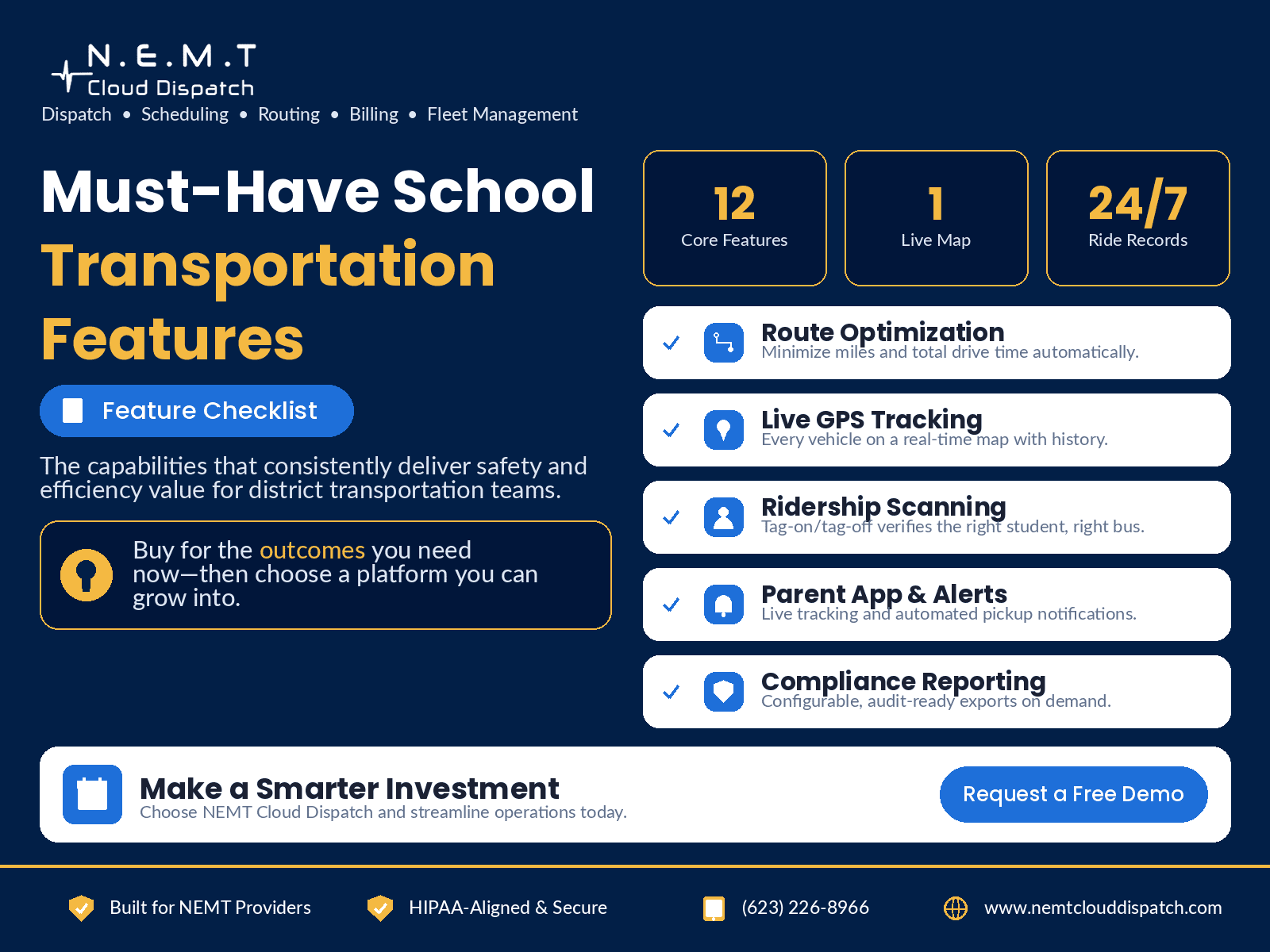
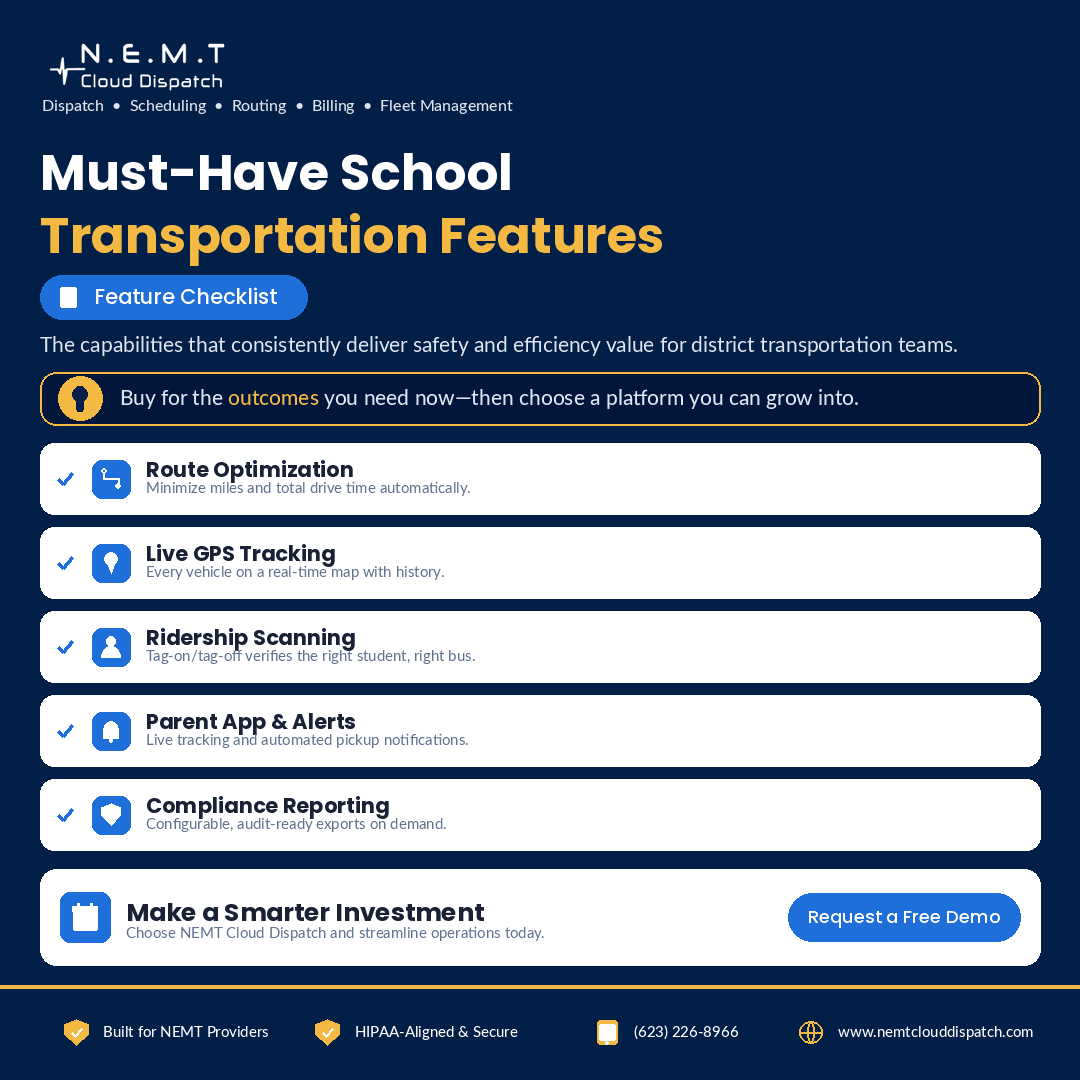
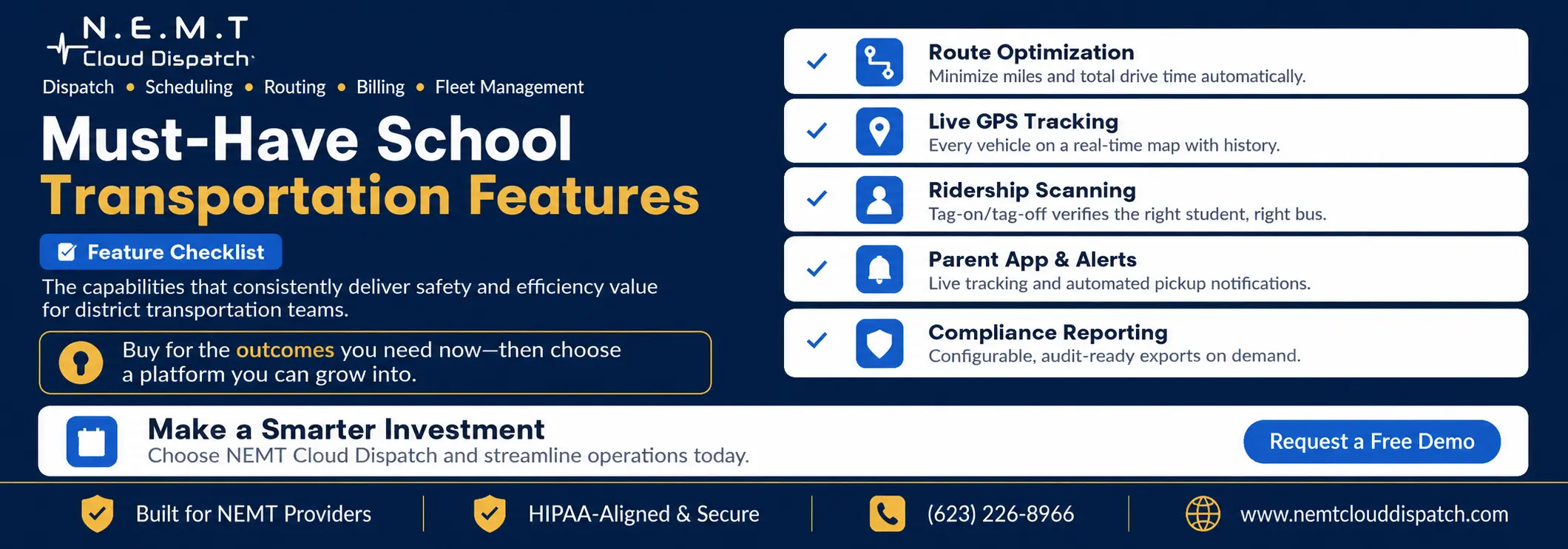
Route Optimization That Re-Runs, Not Just Draws
Almost any tool can draw a route on a map. What matters is whether the software can optimize the entire district.
A capable route optimization and scheduling system should sequence stops to reduce mileage and student ride time, balance passenger loads so buses are not overcrowded or underused, and account for bell schedules, vehicle capacity, driver availability, and student-specific transportation requirements.
It should also re-run the complete plan within minutes when enrollment changes, a driver calls out, a vehicle becomes unavailable, or a school changes its schedule.
If the system can only redraw one route at a time, it may work during a controlled demonstration but will struggle to handle the volume of changes that arrives in September.
Route optimization should not focus exclusively on mileage. Ask whether the system also supports stop-level safety considerations and district transportation policies. The National Highway Traffic Safety Administration provides a useful framework for planning safer school bus stops and routes.
Real-Time GPS Tracking With Honest ETAs
Live vehicle location is now a basic requirement. Useful tracking converts that location into an estimated arrival time that dispatchers, schools, and parents can trust.
A connected fleet and asset tracking system should combine the current bus location with the planned stop sequence and the remaining route. It should identify vehicles that are falling behind schedule, reveal route deviations, and provide dispatchers with enough context to act before a delay becomes a missed stop.
The same information should also flow into the transportation dispatch platform, school-facing screens, and parent communication tools. Dispatchers, schools, and families should not receive three different arrival estimates for the same bus.
Location without a reliable ETA still leaves everyone guessing.
Parent Communication That Cuts Call Volume
The transportation office phone frequently rings because families do not know where the bus is, whether it is running late, or whether the route has changed.
Automated pickup alerts, delay notifications, school-arrival updates, and a secure school bus parent tracking app remove much of that uncertainty.
The operational value becomes especially clear during the first week of school, an early dismissal, severe weather, a road closure, or a vehicle breakdown. Instead of staff calling families individually, the system can send one consistent update to everyone affected by the route.
When evaluating this capability, check whether parents can only view a moving bus icon or whether they also receive route-specific ETAs and meaningful notifications. A map alone may look impressive without substantially reducing call volume.
Student Ridership and Safety Scanning
Tag-on and tag-off scanning can confirm that the correct student boarded the correct vehicle and exited at the expected stop.
The safety benefit is clear, but the operational benefit is also important. A reliable ridership record can support reporting, investigate parent concerns, confirm service delivery, and resolve disputes without requiring staff to reconstruct the trip through phone calls.
Alerts for an unaccounted-for student can turn a potentially serious information gap into an immediate, actionable notification.
The ridership workflow should connect directly with the transportation driver application. Drivers should be able to view their route and student manifest, record pickups and drop-offs, receive updated instructions, and communicate exceptions without maintaining a separate paper process.
During the demo, ask the vendor to show what happens when:
- An unexpected student attempts to board
- A scheduled student does not appear
- A student boards the wrong vehicle
- A student is not recorded at the expected drop-off
- The driver temporarily loses internet connectivity
The alert workflow matters as much as the scanning technology itself.
Special-Needs and Program Handling
Not every student can be placed on a standard school bus route.
Software built specifically for K–12 operations should treat door-to-door transportation, wheelchair-accessible vehicles, securement equipment, car seats, harnesses, aides, medical instructions, modified ride-time requirements, and program-specific pickups as core routing constraints.
A dedicated special-needs school transportation system should match each student with an appropriate vehicle, qualified driver, required equipment, and authorized aide before the route is published.
Transportation is included within the federal definition of related services under 34 CFR § 300.34. The software should therefore allow districts to translate authorized transportation requirements into operational rules without exposing unnecessary student information.
If special-needs trips remain in a separate spreadsheet, the transportation department does not have one connected system. It has two systems that staff must continually reconcile.
During evaluation, add a student with multiple transportation requirements and ask the vendor to rebuild the route. Confirm whether the system automatically prevents incompatible vehicle or driver assignments.
Reporting and Compliance You Can Hand to an Auditor
The features that protect the transportation budget are the features that measure it.
Transportation directors should be able to review:
- On-time arrival rate
- Vehicle utilization
- Passenger capacity utilization
- Total route mileage
- Deadhead or dead-mile percentage
- Average student ride time
- Driver hours and overtime
- Missed and late pickups
- Cost per route
- Cost per transported student
The features that protect the district are accurate, trip-linked records showing when transportation was scheduled, assigned, modified, and completed.
A centralized school district transportation portal can provide district administrators with systemwide reporting while limiting each school or staff member to the routes and students they are authorized to access.
Good software should surface these figures without requiring a data-export project every time a superintendent, auditor, or board member asks a question.
During the demonstration, ask the vendor to generate an on-time performance report, route-cost report, ridership record, and route-change history while you watch. A report that requires vendor support every time it is needed is not a self-service reporting feature.
Integrations That Keep the Roster in Sync
A feature list means little when the underlying data becomes outdated.
The most important integrations connect the transportation platform with the district’s student information system. Students, addresses, school assignments, transportation programs, contact details, and authorized accommodations should sync through a controlled process.
GPS hardware and driver applications should connect to the same platform so vehicle tracking reflects what is actually happening in the field.
When these connections are reliable, the transportation department maintains one source of truth. Without them, staff may spend every week comparing spreadsheets, correcting duplicate records, and manually transferring route changes between systems.
Integration testing should cover more than the first import. Ask what happens when:
- A student changes addresses
- A student transfers schools
- A transportation accommodation is added
- A student becomes inactive
- Duplicate student records are received
- An address cannot be geocoded
- The SIS integration temporarily fails
Because roster and ridership data can include personally identifiable student information, districts should also evaluate access permissions, data retention, vendor controls, and redisclosure restrictions. The U.S. Department of Education provides guidance on the responsibilities of third-party service providers under FERPA.
The difference between a working integration and a one-time import is often the difference between software that saves time and software that quietly creates a second job.
How to Tell a Real Feature From a Screenshot
During evaluation, bring your own data and your own hardest operational scenario.
Ask each vendor to:
- Import a sample of your student roster.
- Geocode your actual addresses.
- Place stops on your district map.
- Apply your bell schedules and vehicle capacities.
- Add fifty students after the first plan is complete.
- Re-optimize the entire operation.
- Remove a driver or vehicle from the schedule.
- Show how revised routes reach drivers and families.
- Generate the operational reports your district uses.
- Explain every warning, exception, and manual intervention.
A feature that performs using your addresses, bell schedules, vehicles, transportation requirements, and reporting needs is a real capability.
A feature that only performs with a preconfigured demonstration dataset may be little more than a screenshot.
The most useful school transportation software demonstration is not a presentation. It is a controlled test using your operation’s data and the scenarios that create the most pressure for your team.
Frequently Asked Questions
What Features Matter Most in School Transportation Software?
The most important features are those that directly improve student safety and transportation cost: districtwide route optimization, real-time GPS tracking with accurate ETAs, parent alerts, student ridership verification, special-needs transportation management, roster integrations, and audit-ready reporting.
The exact priority will depend on the district’s current problems. A district overwhelmed by parent calls may prioritize communication, while a district facing driver shortages may gain more immediate value from optimization and load balancing.
Is GPS Tracking Enough on Its Own?
No. GPS tracking is most useful when the vehicle location is connected with the planned route, remaining stops, current schedule, and dispatcher workflow.
A moving icon without a reliable ETA or exception alert still leaves dispatchers, schools, and families uncertain about when the bus will arrive.
How Do I Test Whether a Feature Actually Works?
Ask the vendor to import your own roster and build routes using your schools, addresses, bell schedules, vehicles, and transportation requirements.
After the initial plan is complete, add students, remove a vehicle, change a bell time, and ask the system to re-optimize. A feature that performs under your actual constraints is more credible than one demonstrated only on prepared vendor data.
What Should I Ask About Route Optimization?
Ask whether the optimizer can process the entire district at once, balance vehicle capacity, respect bell times, handle student-specific requirements, and recalculate routes after enrollment or staffing changes.
Also ask the vendor to show the before-and-after mileage, vehicle count, student ride times, and route utilization rather than simply displaying new lines on a map.
How Should a District Evaluate Student Data Security?
Review who can access student records, how permissions are assigned, how data is encrypted, how long records are retained, what appears in audit logs, and how data is removed when the contract ends.
The district should also determine how the vendor operates under applicable FERPA requirements and any additional state or local student privacy laws.