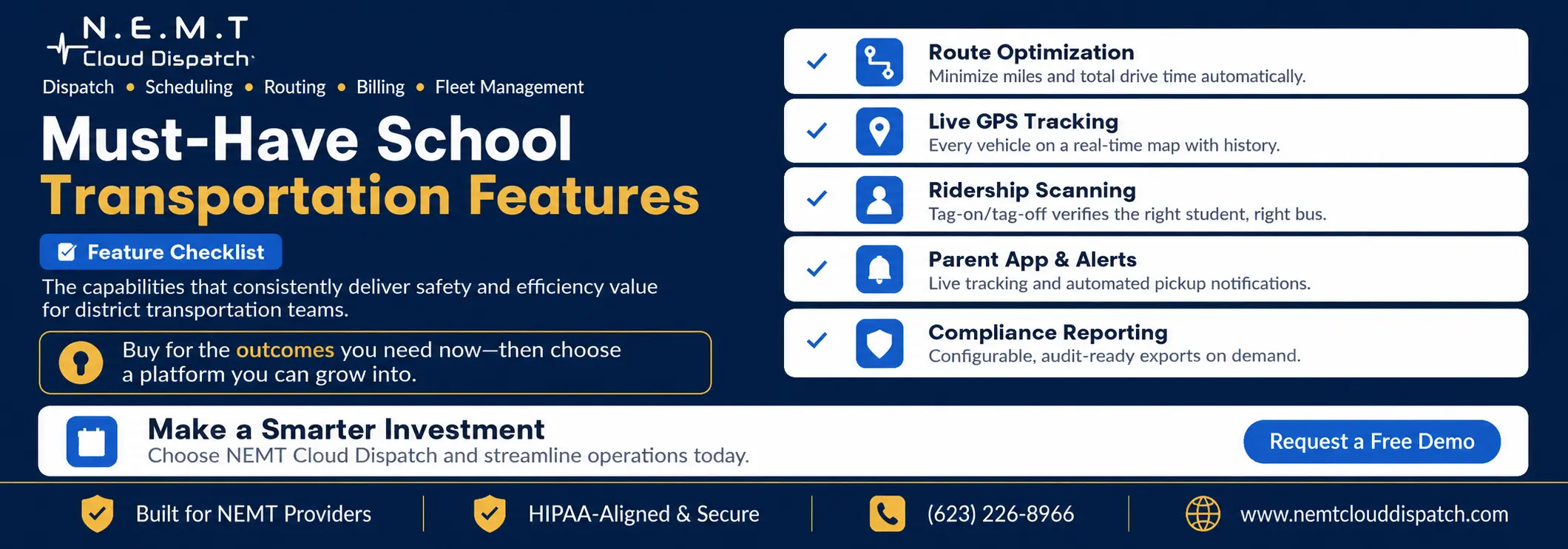
Not every feature on a vendor’s checklist matters equally. Some capabilities are genuinely transformative for safety and efficiency, while others are nice-to-have extras that look good in a demo but rarely get used. This guide cuts through the noise with the twelve features that consistently deliver value for district transportation teams in 2026.
Use this as a scoring rubric. As you evaluate platforms, rate each one on how well it delivers the capabilities below, weighted by what your operation needs most. A complete school transportation software platform should support daily routing, dispatch, driver workflows, parent communication, safety visibility, and reporting from one connected system.
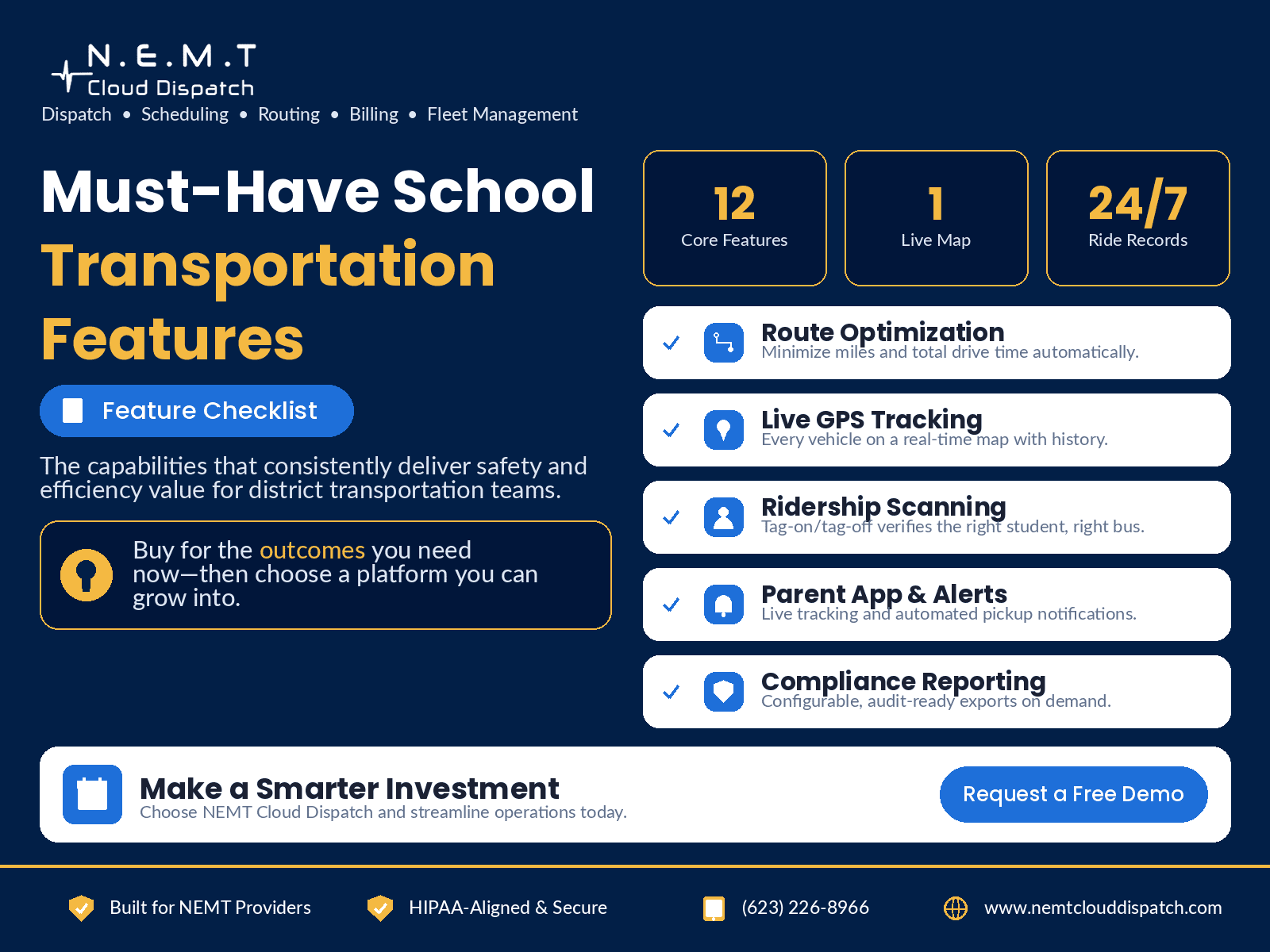
Routing, scheduling, and the daily operation
The core of any platform is how well it plans and runs the daily operation. These features determine whether your buses run efficiently and whether dispatchers spend their morning managing exceptions or fighting fires.
- Automated route optimization that minimizes miles and time
- Drag-and-drop schedule and run building
- Real-time GPS tracking on a live map
- Turn-by-turn driver navigation with stop sequencing
- Substitute-driver and vehicle reassignment in a few clicks
For most districts, route optimization software is one of the highest-impact features because it directly affects miles, fuel usage, driver hours, and on-time performance. Strong scheduling software also matters because daily route changes, driver call-outs, early dismissals, and special trips all need to be handled without rebuilding the entire schedule manually.
Dispatchers also need live operational control. With real-time dispatching software, transportation teams can track active routes, manage late buses, reassign vehicles, communicate with drivers, and respond faster when something changes during the morning or afternoon run.
Drivers need the same level of clarity in the field. A reliable driver app helps drivers follow assigned stops, view route updates, receive navigation support, confirm completed pickups and drop-offs, and stay connected with dispatch without relying on paper route sheets.
Safety and student ridership
Safety features are where software earns its keep. The ability to confirm that the right student boarded the right bus, and to reconstruct exactly what happened on any route, is invaluable when a parent calls or an incident occurs.
- Tag-on / tag-off student ridership scanning
- Student-to-stop and student-to-route assignment management
- GPS history and playback for any vehicle and date
- Driver behavior and speed monitoring
Student ridership visibility is especially important for districts managing younger students, students with disabilities, or complex pickup and drop-off requirements. For these operations, special needs school transportation software helps teams manage student notes, vehicle requirements, aides, wheelchair-accessible transportation, special instructions, and safer route planning.
Safety also depends on vehicle readiness. A strong fleet management software system helps districts track vehicles, monitor usage, manage maintenance, reduce downtime, and keep buses available when scheduled routes depend on them.
Communication, compliance, and reporting
The final group keeps families informed and keeps your district audit-ready. Automated parent communication dramatically cuts inbound phone calls, while strong reporting turns compliance from a scramble into a routine export.
- Parent app with live tracking and automated pickup alerts
- Configurable compliance and ridership reporting
- Special-needs and field-trip routing support
A parent app for school bus tracking is one of the most visible features for families because it answers the daily question: where is my child’s bus? Automated pickup alerts, delay notices, and live tracking can reduce phone calls while improving parent confidence.
For broader communication, an SMS notification system can help districts send delay updates, route-change notices, weather alerts, and schedule reminders quickly. This is especially useful during early dismissals, road closures, or last-minute route adjustments.
Administrators also need access to reporting and visibility. A connected school district transportation portal gives district teams a central place to review routes, monitor performance, access reports, and stay aligned with transportation operations.
How to weigh the list
No platform leads on every dimension, so prioritize. A district fighting a driver shortage should weight optimization and substitute management; a district under safety scrutiny should weight ridership scanning and GPS history. Score each vendor against your weighted list and the right choice usually becomes obvious.
The best evaluation process starts with your operational pain points. If your biggest issue is route inefficiency, prioritize routing and scheduling. If parent complaints are high, prioritize parent communication and real-time bus visibility. If safety and accountability are the concern, prioritize ridership tracking, GPS history, driver workflows, and reporting.
Before making a final decision, compare each vendor’s features against its total cost. Review the vendor’s school transportation software pricing so you understand what is included, what costs extra, and whether the platform can scale as your district grows.
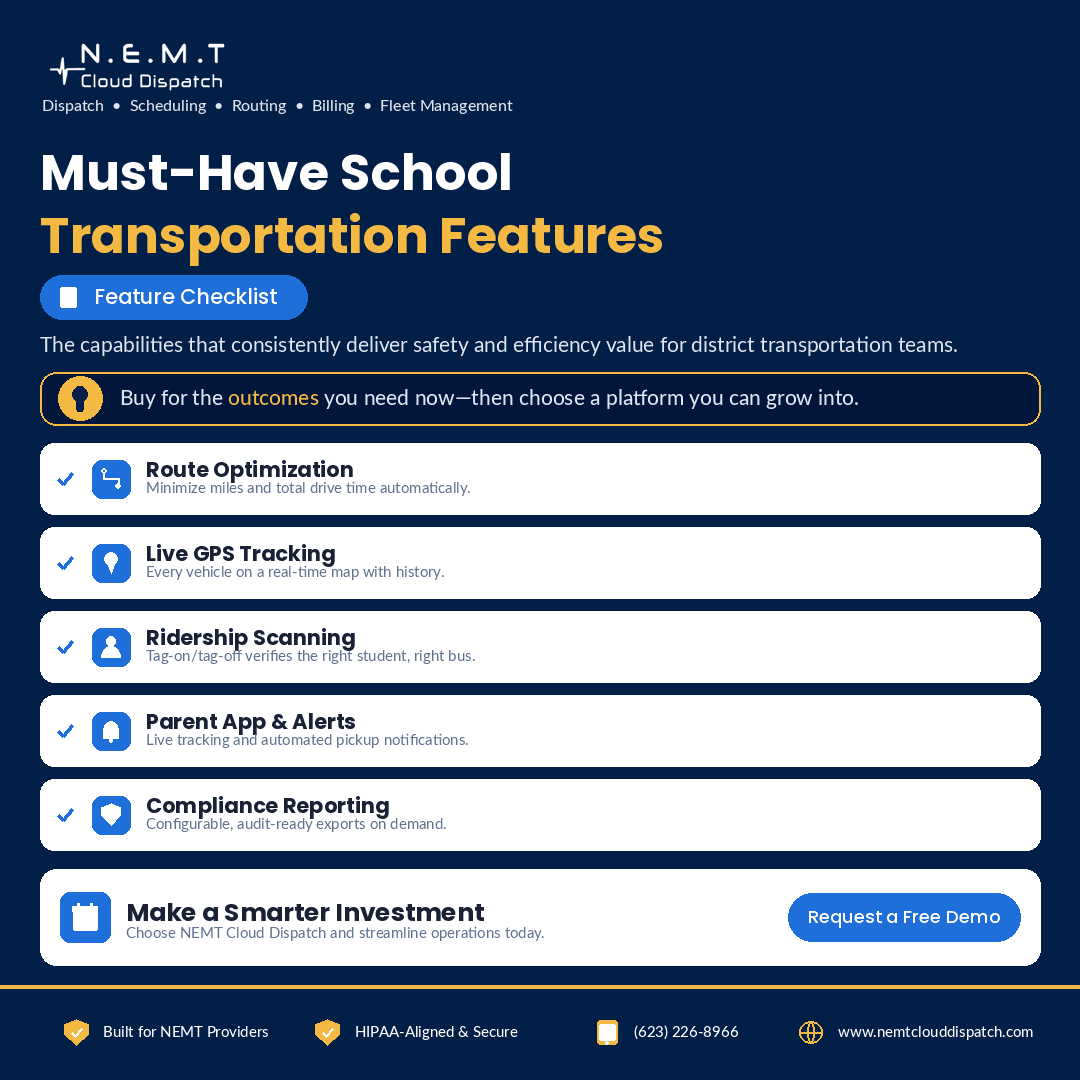
Frequently Asked Questions
Which feature delivers the most value?
For most districts it is route optimization, because the fuel and labor savings are immediate and measurable, followed closely by ridership scanning for safety.
Do we need every feature?
No. Buy for the outcomes you need now and choose a platform that lets you add modules later rather than paying for capabilities you will not use.
Is a parent app really necessary?
It is one of the highest-impact features for satisfaction and call volume, since it answers the where-is-my-bus question automatically.