Few operations in a school district carry more daily risk and visibility than student transportation. Every morning and afternoon, thousands of children are picked up, routed, and dropped off on a tight schedule that parents, principals, and state regulators all watch closely. School transportation software is the system that ties this operation together, replacing paper route sheets, radio guesswork, and spreadsheet scheduling with a single coordinated platform.
This guide explains what school transportation software is, the problems it solves, the core capabilities to expect in 2026, and a practical framework for evaluating and rolling out a platform. Whether you run a 12-bus parochial fleet or a 300-bus district operation, the same fundamentals apply: safer rides, tighter routes, and clearer communication with families.
What is school transportation software?
School transportation software is a purpose-built platform that plans bus routes, schedules drivers and vehicles, tracks buses in real time, manages student ridership, and keeps parents and administrators informed. It centralizes the data that used to live in filing cabinets, two-way radios, and the institutional memory of a veteran routing clerk.
Modern systems are cloud-based, which means dispatchers, drivers, and district leaders all work from the same live information. When a route changes, a driver calls out sick, or a road closes, the update propagates instantly instead of triggering a chain of phone calls. With connected school district transportation portal access, districts and schools can manage requests, visibility, reporting, and communication from one shared workflow.
The problems it solves
The biggest pain points in pupil transportation are inefficiency, blind spots, and communication gaps. Manual routing leaves buses running half-empty or crossing the district twice. Without GPS, dispatchers cannot answer the most common parent question: where is my child’s bus right now? And when ridership is tracked on paper, a missing student can take far too long to notice.
- Inefficient routes that waste fuel, driver hours, and time on the road
- No real-time visibility into where buses actually are
- Slow, reactive parent communication during delays or weather events
- Compliance and reporting that depends on manual record-keeping
- Driver shortages that make every scheduling change painful
A connected platform solves these issues by combining route optimization software, scheduling software, real-time dispatch visibility, driver tools, and automated communication in one system.
Core capabilities to expect in 2026
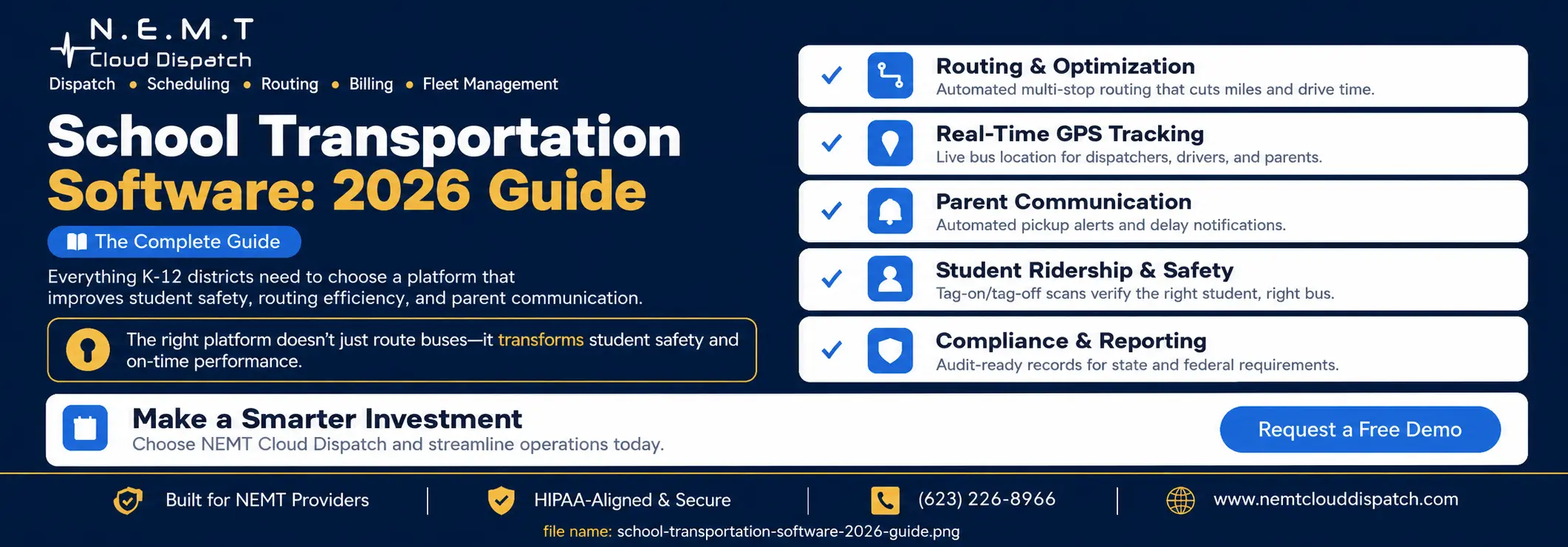
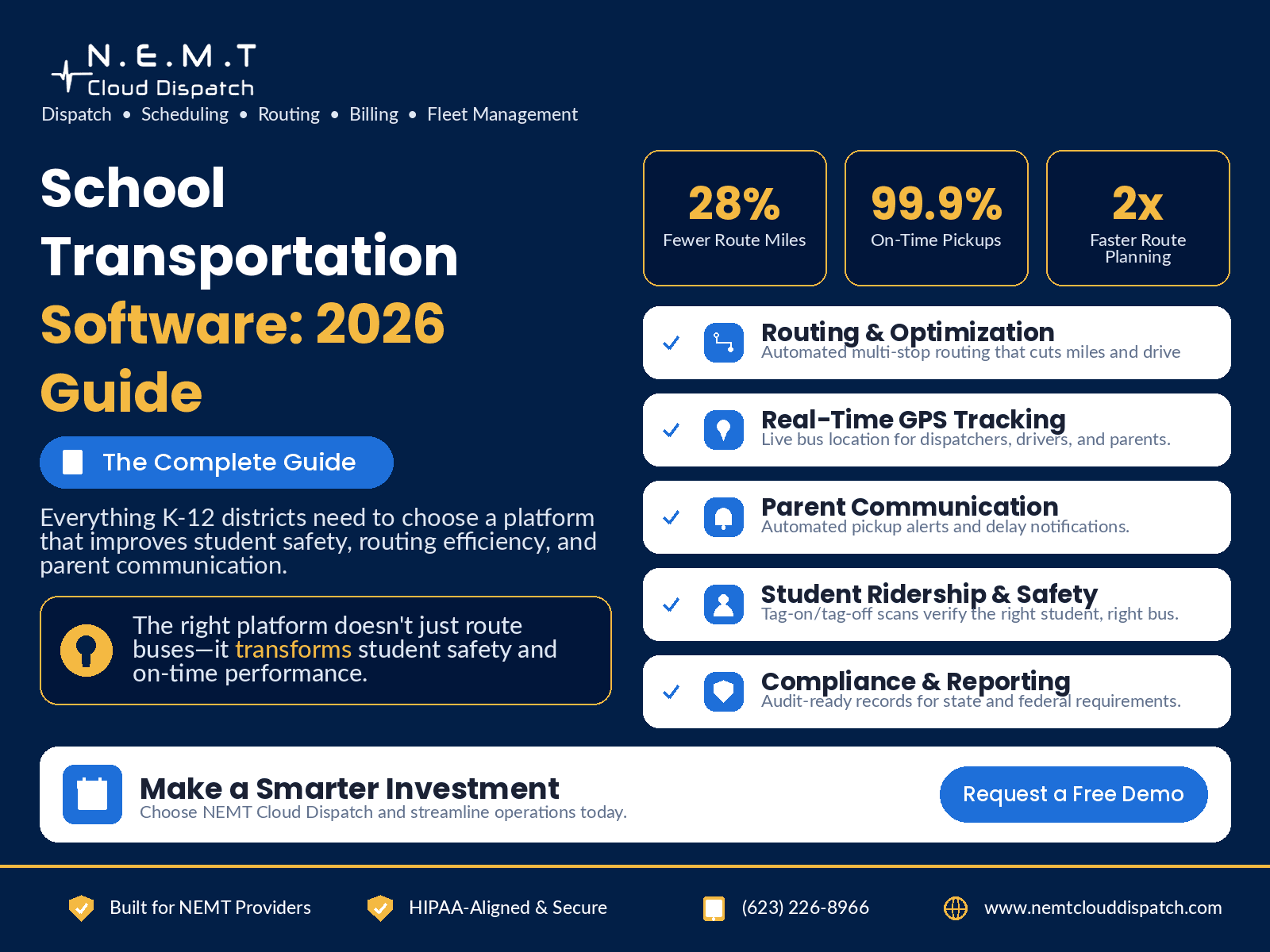
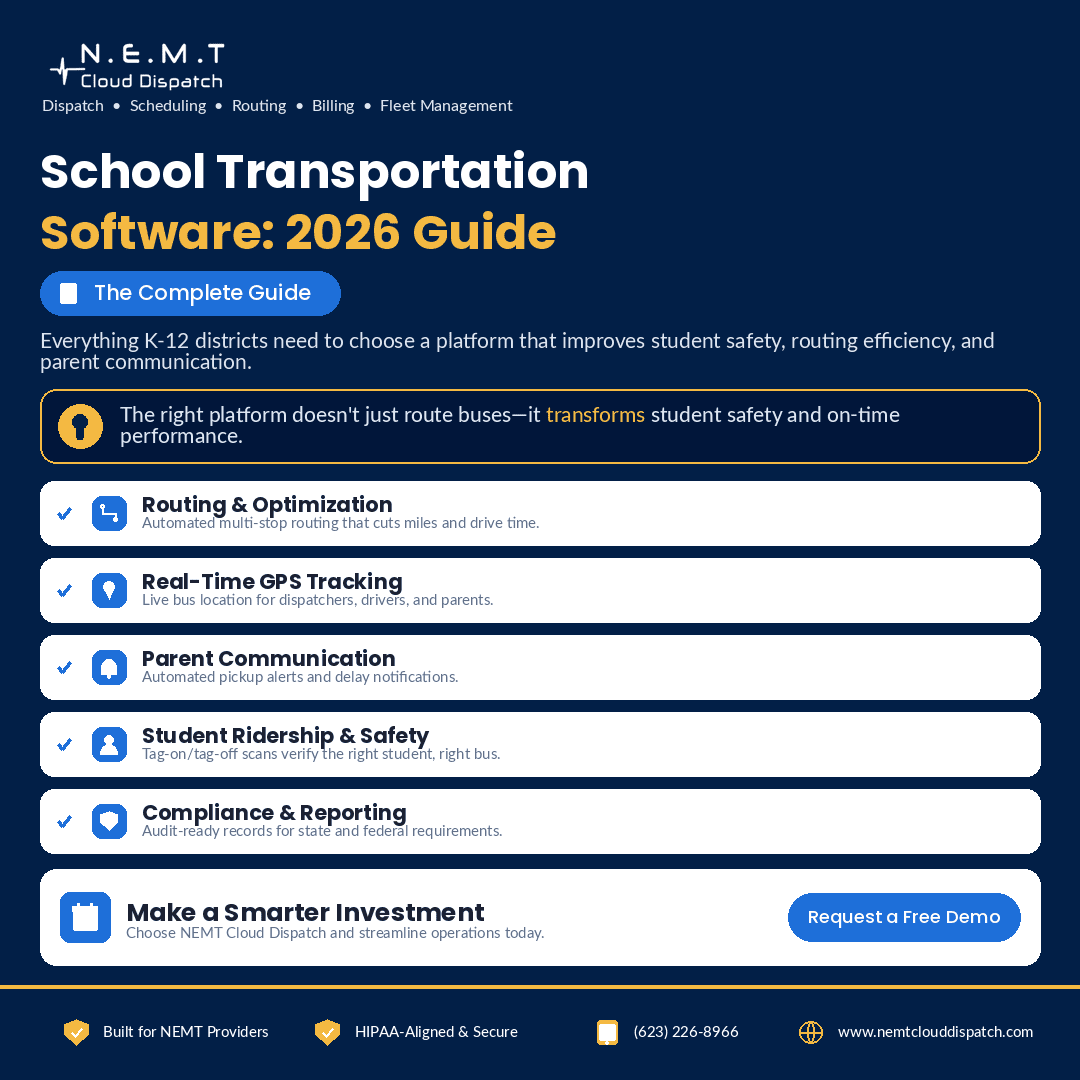
A capable platform should cover the full lifecycle of a ride. Routing and optimization build efficient multi-stop routes and rebalance them as enrollment shifts. Real-time GPS tracking shows every vehicle on a live map. Student ridership tools confirm the right student boards the right bus, often with tag-on/tag-off scanning. Parent communication apps push pickup alerts and delay notifications automatically. Finally, reporting tools produce the audit-ready records that states increasingly require.
For daily operations, strong dispatching software is essential because dispatchers need to see every active route, late bus, driver status, and exception in real time. Drivers also need a reliable driver app so they can receive manifests, route updates, student notes, pickup instructions, and proof-of-service requirements without relying on paper.
For schools serving students with IEPs or specialized transportation needs, special needs school transportation software becomes especially important. These routes may require wheelchair-accessible vehicles, aides, harnesses, car seats, medical notes, or specific pickup instructions, so the software must treat those requirements as operational constraints rather than loose notes.
Communication is another core requirement. Automated alerts through an SMS notification system help districts send delay updates, pickup reminders, and schedule-change notices faster than manual phone calls.
How to evaluate a platform
Start with the outcomes you care about and work backward. If safety is the priority, weigh ridership verification and GPS history heavily. If you are fighting a driver shortage, focus on scheduling flexibility and route optimization that reduces total drive time. Ask every vendor to demonstrate the workflow your dispatchers will actually use each morning, not just a polished sales deck.
Implementation matters as much as features. The best platform is the one your team will adopt, so weigh onboarding support, training, and data migration alongside the feature list. A tool that improves efficiency on paper but frustrates dispatchers will quietly fall back to spreadsheets within a semester.
You should also evaluate fleet visibility and maintenance workflows. A strong fleet management software setup helps districts and operators monitor vehicles, reduce downtime, track maintenance, and keep buses available when routes need them most.
Pricing should also be part of the evaluation process. Before committing to a platform, review the vendor’s school transportation software pricing structure so you understand monthly costs, vehicle-based pricing, setup fees, contract terms, and whether the system can scale as your fleet grows.
Rolling it out across your district
A phased rollout reduces risk. Begin with a pilot on a handful of routes to validate the data and build internal champions, then expand fleet-wide once dispatchers and drivers are comfortable. Communicate the parent-facing app early so families know what is coming and adoption is high on day one.
The best rollout plan usually starts with clean student, stop, vehicle, and driver data. From there, districts can test route plans, train dispatchers, onboard drivers, activate communication tools, and gradually move from manual processes to a fully connected school transportation software platform.
Frequently Asked Questions
Is school transportation software only for large districts?
No. Cloud-based platforms scale down to small fleets and charter or parochial schools, and many price by vehicle so smaller operations only pay for what they use.
How long does implementation take?
A focused rollout typically runs a few weeks: importing student and stop data, validating routes, training dispatchers and drivers, and launching the parent app. A phased pilot can begin even sooner.
Does it replace our dispatchers?
No. It removes the manual, error-prone parts of their job so they can manage exceptions, safety, and family communication instead of redrawing routes by hand.