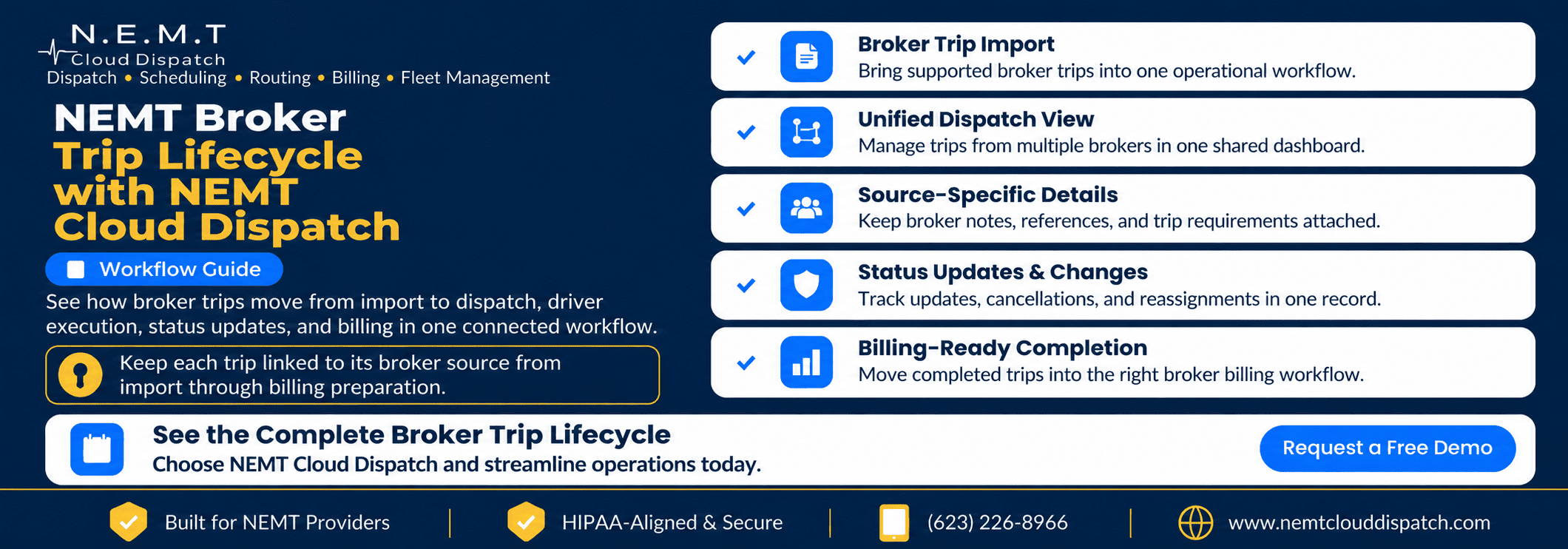
A broker trip may start in Modivcare, MTM, Kaiser Permanente, VectorCare, Access2Care, Alivi, or HBSS Connect Corp. Once it reaches a transportation provider, it still has to be reviewed, assigned, completed, updated, documented, and prepared for billing.
That is where the NEMT broker trip lifecycle matters more than the integration name alone. The value comes from keeping the trip connected to its originating broker while dispatchers, drivers, and billing staff work through one consistent process.
NEMT Cloud Dispatch currently lists seven direct broker integrations: Modivcare, MTM, Kaiser Permanente, VectorCare, Access2Care, Alivi, and HBSS Connect Corp. QRyde is supported separately through data exchange.
A broker trip can move from import through dispatch, driver execution, status synchronization, completion, and billing preparation while remaining connected to its original source.
What Happens After a Broker Trip Enters NEMT Cloud Dispatch?
The NEMT broker trip lifecycle begins when supported trip information enters the platform through an active broker connection.
Providers can explore NEMT Broker Integrations for details about supported brokers, available data exchange, and broker-specific billing capabilities.
Once a supported trip enters the system, the team needs to know:
- Which broker owns the trip
- Which reference information arrived with it
- Which driver and vehicle should handle it
- Whether the trip changed after assignment
- Which status updates need to flow back
- Whether the completed record is ready for billing
The Seven Direct Broker Connections
NEMT Cloud Dispatch currently lists direct integrations with:
- Modivcare
- MTM
- Kaiser Permanente
- VectorCare
- Access2Care
- Alivi
- HBSS Connect Corp
QRyde is listed separately as a supported data-exchange connection.
For detailed capabilities by broker, explore NEMT Cloud Dispatch Broker Integrations. Once a supported trip reaches the platform, the NEMT broker trip lifecycle helps keep its source and operational information connected.
Step 1: The Trip Enters With Its Broker Identity Intact
Imagine that a provider receives a supported Modivcare trip.
With broker trip automation, the reservation can enter NEMT Cloud Dispatch with information available through that connection instead of requiring a dispatcher to recreate the trip manually.
The record may include:
- Broker source and reference number
- Rider information
- Pickup and drop-off locations
- Appointment or requested times
- Transportation mode
- Broker notes and trip-level requirements
The trip may appear beside trips from other brokers, but it remains associated with Modivcare. Preserving that source is an important part of the NEMT broker trip lifecycle because later changes, status updates, and billing preparation still depend on the trip’s origin.
Step 2: Dispatchers Work From One Operating View
Once the trip is available, dispatch becomes an operational decision rather than an integration task.
Dispatchers may consider driver availability, vehicle location, pickup time, appointment time, rider requirements, transportation mode, route fit, and broker-specific notes before assigning the trip.
Trips from several broker sources can be handled through the same dispatch environment while their originating broker remains attached. This keeps the NEMT broker trip lifecycle consistent for the operations team without assuming every broker uses the same rules.
Providers handling broader multi-broker operations, exceptions, reporting, and relationships can explore NEMT Broker Management Software.
For real-time driver and vehicle coordination, see the NEMT Dispatch Platform.
Step 3: Broker-Specific Requirements Stay With the Reservation
A shared dispatch interface should simplify work without erasing source-specific information.
Different brokers may use different identifiers, trip notes, status expectations, documentation rules, authorization references, or billing processes. A unified workflow therefore needs two layers:
A consistent operational view for dispatchers
and
broker-specific information attached to the trip
This balance is central to the NEMT broker trip lifecycle. Dispatchers should not need a different internal process for every source, but they still need to know what applies to the reservation in front of them.
Modivcare’s official Transportation Provider Web Portal supports trip lists, billing information, reroutes, cancellations, and provider reporting. MTM Health also gives providers access to trips through MTM Link and its service-provider resources. These broker-side systems show why preserving source-specific information matters.
Step 4: The Driver Receives the Assigned Trip
After dispatch assigns the trip, the driver needs the correct operational details without having to understand every back-office integration.
Through the NEMT Driver App, drivers can receive assigned trip details, pickup and drop-off information, rider notes, and the information needed to perform the trip.
Behind that mobile experience, the platform keeps the trip connected to its broker-specific record. That continuity allows the NEMT broker trip lifecycle to move forward without forcing the driver to manage separate broker systems.
Step 5: Supported Status Updates Follow the Correct Broker Path
A direct connection is most useful when information can move through the appropriate broker workflow as the trip progresses.
Supported status information can move back through the relevant connection. The exact events and data exchanged depend on the broker integration.
An MTM trip should remain associated with the MTM connection, a Modivcare trip with the Modivcare connection, and each other supported source with its corresponding workflow.
This is how the NEMT broker trip lifecycle can stay unified for the provider without becoming disconnected from the originating broker.
Step 6: Changes and Cancellations Stay Attached to the Same Trip
Broker trips can change after import. A pickup time may move, a trip may be cancelled, a destination may change, or a driver may need reassignment.
When supported changes reach the platform, the operations team should see the affected reservation and respond without creating a second version of the trip.
The working record should preserve:
- Broker ownership
- Schedule and cancellation changes
- Reassignment activity
- Dispatcher and driver updates
- Unresolved exceptions
Keeping those changes with the same reservation protects the NEMT broker trip lifecycle from becoming fragmented across separate records, spreadsheets, or portal notes.
Step 7: Completion Creates a Billing-Ready Operational Record
After the driver finishes the trip, the operational record should preserve the information needed for billing review. Depending on the workflow, that may include the broker source, trip reference, completion status, driver and vehicle, service times, mileage, and supported proof-of-service information.
For information about claim formats and downstream billing processes, explore NEMT Invoicing & Billing.
A complete NEMT broker trip lifecycle makes the billing handoff clearer because the originating broker, trip history, and completion record remain connected.
Step 8: Billing Follows the Trip Source
NEMT Cloud Dispatch supports broker-specific billing workflows, including 837P EDI, CMS-1500-related processes, and broker-specific upload formats where applicable.
Because the broker source remains attached throughout the NEMT broker trip lifecycle, the completed record can move toward the billing process associated with that source.
The Broker Trip Journey in One View
The workflow can be summarized in eight stages:
1. Receive
A supported broker sends trip information through an active connection.
2. Preserve
The broker source, reference information, and supported requirements remain attached.
3. Assign
Dispatch selects the appropriate driver and vehicle.
4. Execute
The driver performs the trip through the mobile workflow.
5. Synchronize
Supported status information moves through the appropriate broker connection.
6. Adjust
Changes, cancellations, and reassignments remain tied to the same reservation.
7. Complete
The finished trip retains the operational record needed for review.
8. Hand Off to Billing
The record moves toward the billing workflow associated with its broker source.
That is the practical purpose of the NEMT broker trip lifecycle: one continuous record from broker import through billing preparation.
Why Preserving Broker Identity Matters
A provider working with several brokers is managing multiple sources of operational rules, data, changes, and billing expectations.
If broker identity is lost between import and completion, staff may have to reconstruct which requirements apply. Preserving the source helps teams answer:
- Which broker assigned the trip?
- Which reference number belongs to it?
- Which change came from the broker?
- Which documentation is still missing?
- Which billing workflow should receive the completed record?
Keeping that identity intact allows one trip to move through the NEMT broker trip lifecycle from import to final billing handoff without losing its source-specific context.
Frequently Asked Questions
Which seven NEMT brokers integrate directly with NEMT Cloud Dispatch?
NEMT Cloud Dispatch currently lists Modivcare, MTM, Kaiser Permanente, VectorCare, Access2Care, Alivi, and HBSS Connect Corp. QRyde is supported separately through data exchange.
How does NEMT Cloud Dispatch import trips from multiple brokers?
Supported broker connections can move available trip data into the platform while retaining the originating broker and supported trip information. That creates a cleaner starting point for the NEMT broker trip lifecycle.
Can dispatchers manage Modivcare and MTM trips in one dashboard?
Yes. Supported Modivcare and MTM trips can appear in the same operating environment while remaining associated with their respective broker connections.
How are broker-specific trip requirements maintained?
Supported broker information stays tied to the trip record so a consistent dispatch process does not erase source-specific information.
What happens when a broker updates or cancels a trip?
When a supported change enters through the connection, the trip record can reflect the update so dispatchers can review and respond while keeping the change tied to the original reservation.
How does broker integration connect dispatch with billing?
The broker source remains connected to the trip through dispatch, completion, and billing preparation. That continuity allows the NEMT broker trip lifecycle to end with the completed record moving into the appropriate broker-specific billing workflow.
See the Complete Broker Trip Lifecycle in Action
A well-structured NEMT broker trip lifecycle preserves the originating broker, carries supported trip information into dispatch, gives drivers a consistent execution process, returns supported status updates through the correct connection, and keeps the completed record tied to the billing workflow that follows.
If your company works with one or several supported broker connections, Request a Demo to see how a broker trip can move from import to dispatch, completion, synchronization, and billing preparation in one connected workflow.