Every NEMT software vendor will tell you they have the best NEMT software. They’re all wrong, because “best” depends entirely on what you do. The best platform for a solo wheelchair-van operator in Phoenix is different from the best platform for a 60-vehicle multi-broker operation in Texas. But the features that separate good platforms from also-rans are consistent across fleet sizes.
This guide is the feature checklist worth bringing to vendor demos. If a platform doesn’t handle these eight things well, it’s not actually competing for your business — it’s hoping you won’t ask.
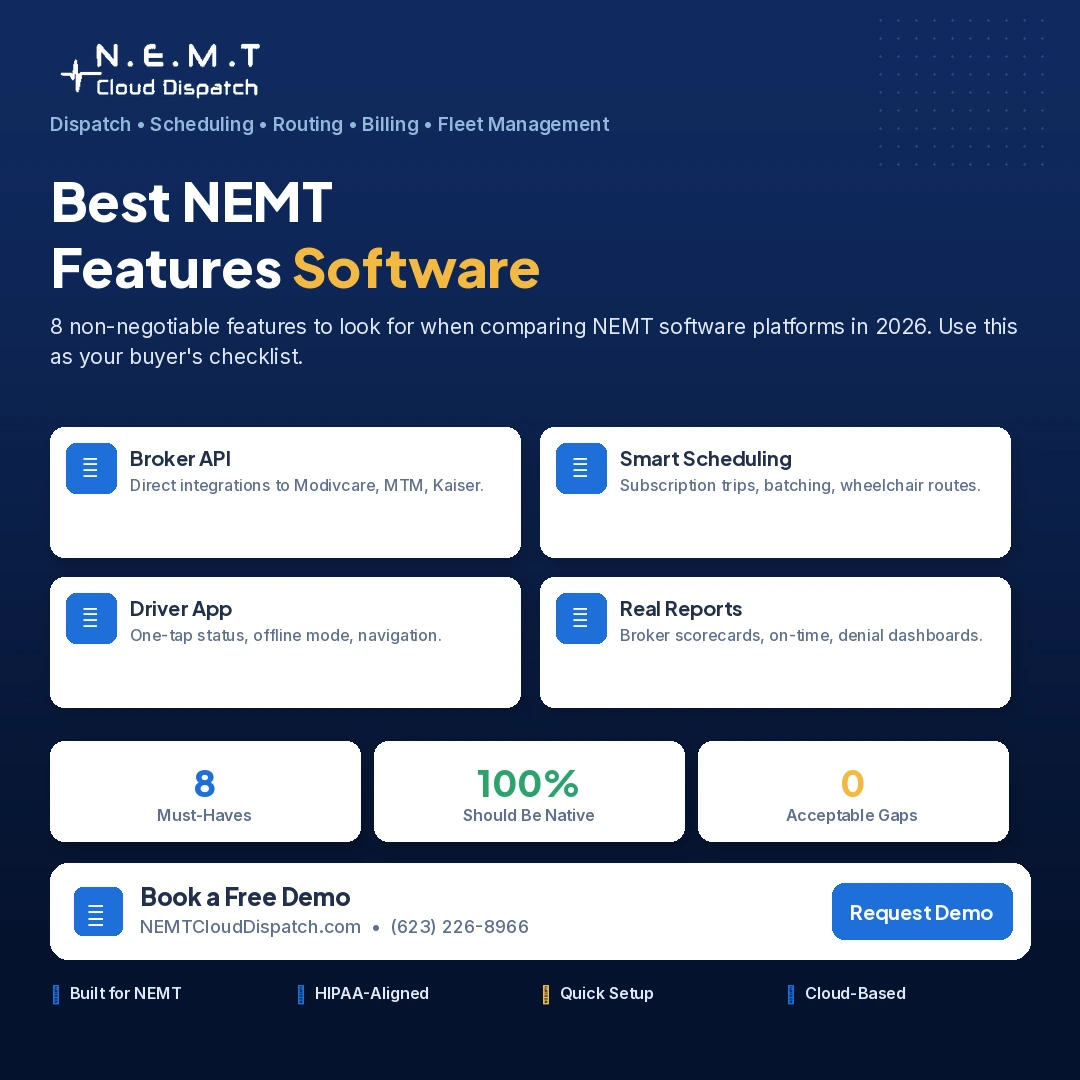
8 features the best NEMT software platforms include.
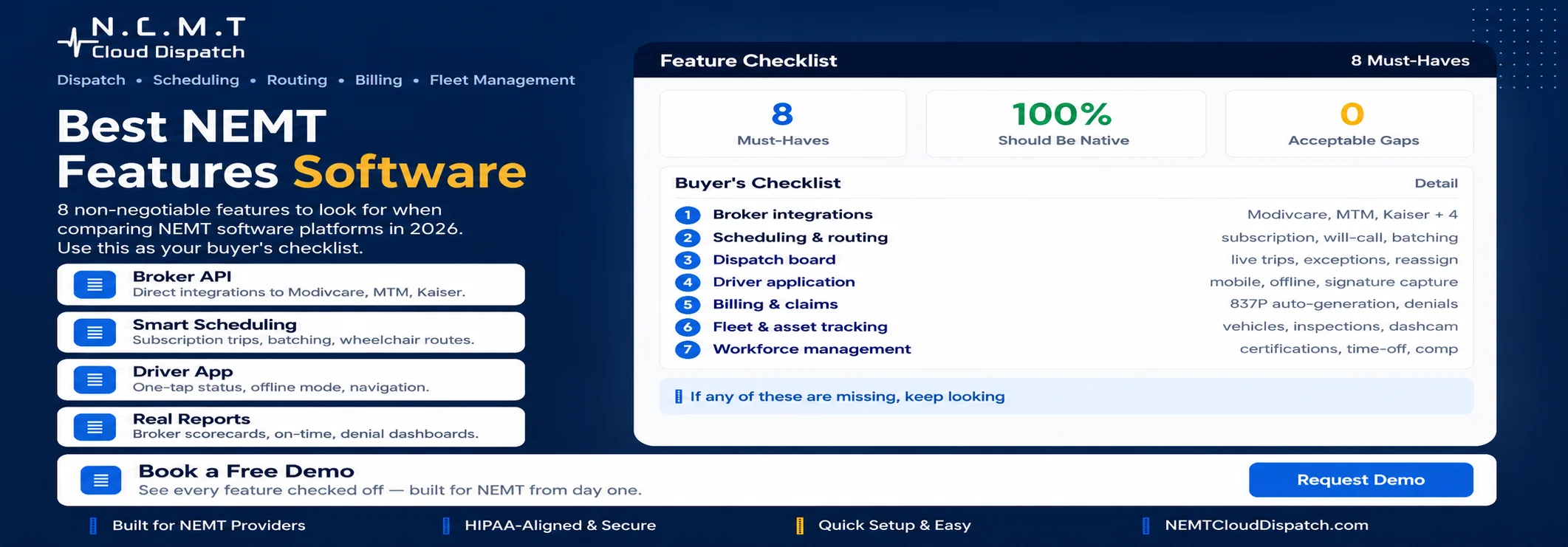
1. Broker integrations — the make-or-break feature
If you run Medicaid trips, broker integrations aren’t a nice-to-have. They are the workflow. A platform without integrations means a dispatcher logging into Modivcare’s portal, copying trips by hand into the scheduling system, and remembering to mark them complete in both places. Multiply that by 80 trips a day and you’ve hired an extra person whose job is moving data.
The best NEMT software platforms have direct API integrations with the major brokers: Modivcare, MTM, Kaiser Permanente, Access2Care, VectorCare, Alivi, and HBSS. Trips flow in automatically, member eligibility verifies in real time, status updates push back to the broker, and claims submit on trip completion. See the full broker integrations list when evaluating any platform.
Questions to ask: Which brokers do they integrate with? How long does activating a new broker take? Are integrations included in the price or charged separately? Do they handle the broker-specific quirks (Modivcare’s same-day workflow, MTM’s eligibility check timing, Kaiser’s authorization process)?
2. Scheduling and route optimization
Scheduling is the assignment of trips to drivers and vehicles. Route optimization is the sequencing of those trips to minimize deadhead miles and maximize completed trips per shift. Modern NEMT software does both, ideally in one workflow.
A serious scheduling and route optimization module should handle subscription trips (recurring dialysis, therapy, day program rides), will-calls (return trips with uncertain pickup times), wheelchair vs ambulatory routing constraints, lunch breaks and shift end times for drivers, and broker on-time-performance requirements that vary by contract.
Watch for: platforms that schedule trips but don’t optimize routes, platforms that optimize but can’t handle subscription patterns, platforms that route as if every trip is one-way (NEMT is heavy on round-trips).
3. Dispatch platform
The dispatch platform is what your dispatcher uses all day. It needs to show real-time vehicle locations, active trips with status, upcoming trips, driver availability, and ways to reassign quickly when something breaks. A good dispatch board makes triage in real time — a no-show, a late driver, a same-day add-on — fast.
Test this by asking the vendor to show you a busy day, not a clean demo. How does the system look when 40 trips are in motion, 3 drivers are running late, and a same-day request just came in? If the demo can’t show that, the system can’t handle it.
4. Driver applications
The driver application is the most important user-facing piece of NEMT software and the one operators usually evaluate last. Drivers spend their day in the app. If it’s slow, glitchy, or has a confusing interface, drivers will work around it. They’ll forget to mark trips complete. They’ll skip signature capture. They’ll route by their own knowledge instead of following the optimized sequence.
Demand a driver demo, not just an owner demo. Watch a driver use the app on the screen sizes your drivers actually have (older phones, cracked screens, rural reception). Look for: one-tap status updates, offline mode for areas with no signal, integrated turn-by-turn navigation, signature and photo capture for trip verification, clear next-trip and remaining-trip-list view.
5. Billing and claims
After the trip is run, the money has to come in. Billing and claims is where many platforms fall apart — they handle trips well but generate claim files that brokers reject, leading to denials and weeks of back-and-forth.
Good billing and claims modules submit claim files in each broker’s required format automatically, track claim status (submitted, paid, denied, in-progress), surface denial reasons clearly so you can correct and resubmit, and reconcile broker payments against submitted claims. Platforms with weak claims handling cost you money you’ve already earned.
6. Fleet and asset tracking
Beyond active trip tracking, fleet and asset tracking handles the vehicle lifecycle: registration renewals, insurance expiration dates, maintenance schedules, mileage tracking, fuel logs, and depreciation. Without this, fleet management becomes a separate spreadsheet your office manager updates monthly.
A good platform alerts you 30 days before an inspection lapses, tracks each vehicle’s maintenance history, and lets you see fleet-wide utilization (which vehicles are running too few trips, which are running too many).
7. Workforce management
NEMT operations are people-intensive. Workforce management covers driver hiring documentation, CPR and first aid certifications, drug screening dates, license renewals, training records, time-off tracking, and the audit-ready compliance file your state will eventually ask for.
Without this, you’re tracking compliance in folders, spreadsheets, and your dispatcher’s memory. With it, the system flags an expiring certification 60 days out so you can renew before it lapses.
8. Reporting
Reporting is where the platform tells you whether the business is healthy. The best NEMT software reports on: trip volume by broker, on-time performance (your brokers will ask), driver hours and productivity, fleet utilization, denied claims and recovery, revenue per vehicle, and operational margin trends.
Watch for: platforms with beautiful dashboards but no exportable raw data (your accountant needs CSV), platforms where every useful report is a paid “premium analytics” add-on, and platforms that report on what’s easy to measure rather than what actually matters.
How to compare platforms efficiently
Instead of sitting through endless demos, do this:
- Make a shortlist of 3 platforms. Don’t evaluate 8. You won’t remember which is which.
- For each, ask for a 30-minute demo focused on YOUR specific workflow. Send them your top 3 trip patterns in advance and ask them to show how the platform handles each.
- Insist on a driver app demo. Watch a driver actually use it.
- Ask for a customer reference at your size. Talk to them on the phone for 15 minutes without the vendor present.
- Run a 30-day trial if possible. Real usage tells you more than any demo.
Frequently asked questions
What’s the most important feature in NEMT software?
Broker integration if you run Medicaid trips. Without it, you’ll spend hours every day on data entry between systems. With it, trips flow automatically.
Do I need all 8 of these features?
If you’re running a multi-broker operation, yes. If you’re solo with one vehicle and one broker, you can probably skip workforce management and detailed reporting. But starter platforms that omit features make growth painful.
Are there NEMT software platforms that do all 8 features well?
Yes — the best platforms cover all of these as core features rather than paid add-ons. The differentiation is in execution quality, not feature presence.
How long does it take to evaluate NEMT software properly?
2-3 weeks if you’re disciplined: 1 week for shortlisting and demos, 1 week for reference calls and trial setup, 1 week for the trial itself. Operators who rush this regret it; operators who drag it out for 6 months lose money to the bad system they’re stuck on.